View a Student
This feature is for SA, ML, MA, CA, Trainer, Assistant Coach
Watch (about 1 min 10 s):
The student page puts everything about one student on one page: profile, parent, CogMAP, game performance, progress and class sessions, followed by uploads, notes, points and history.
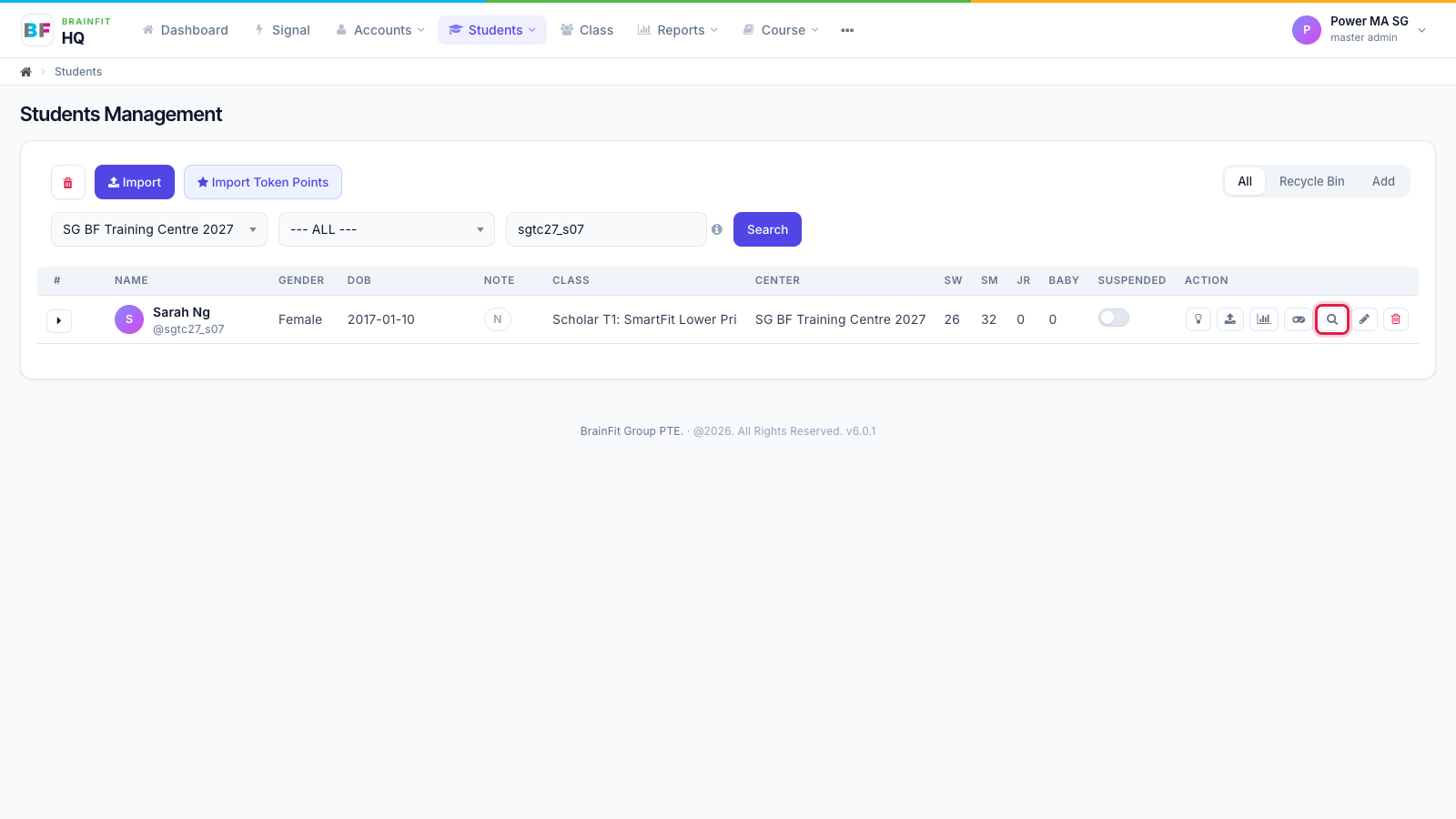
- In Students, click the magnifier icon on the student's row.
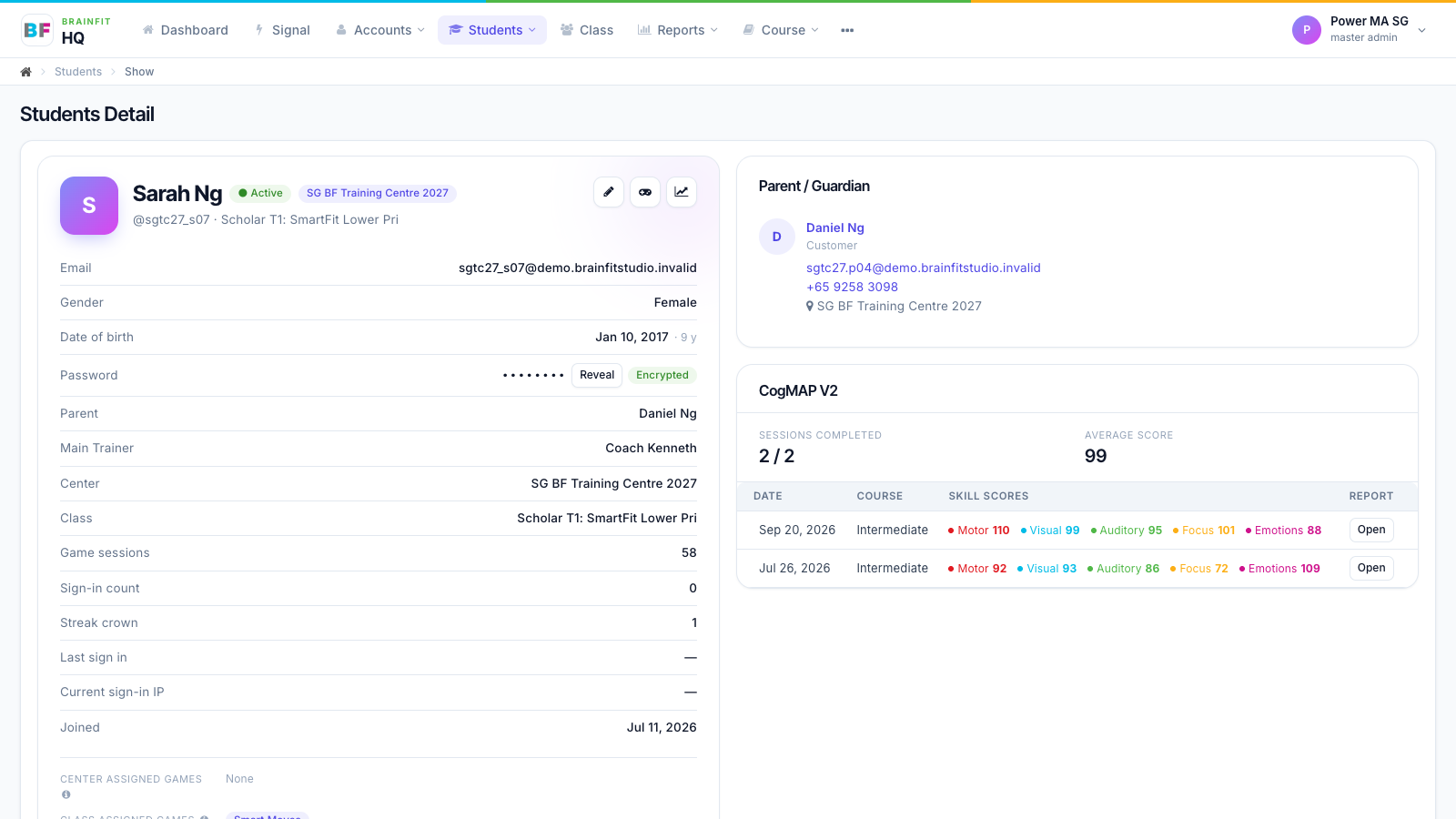
- The top of the page shows the profile on the left (centre, class, parent, trainer, game counts) and the Parent / Guardian and CogMAP V2 cards on the right. CogMAP shows sessions completed, the average score and each skill's score per round; Open shows that round's report.
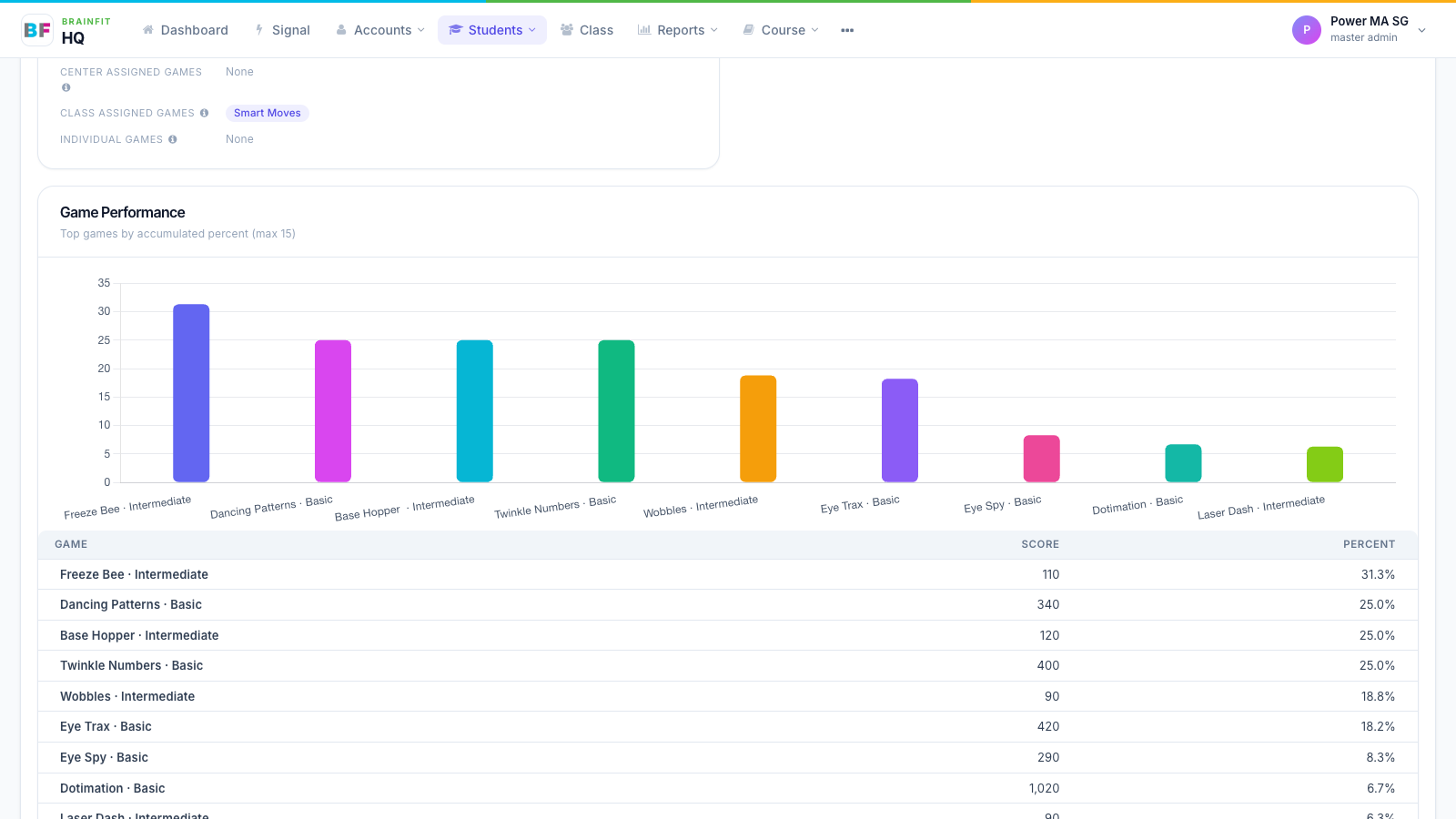
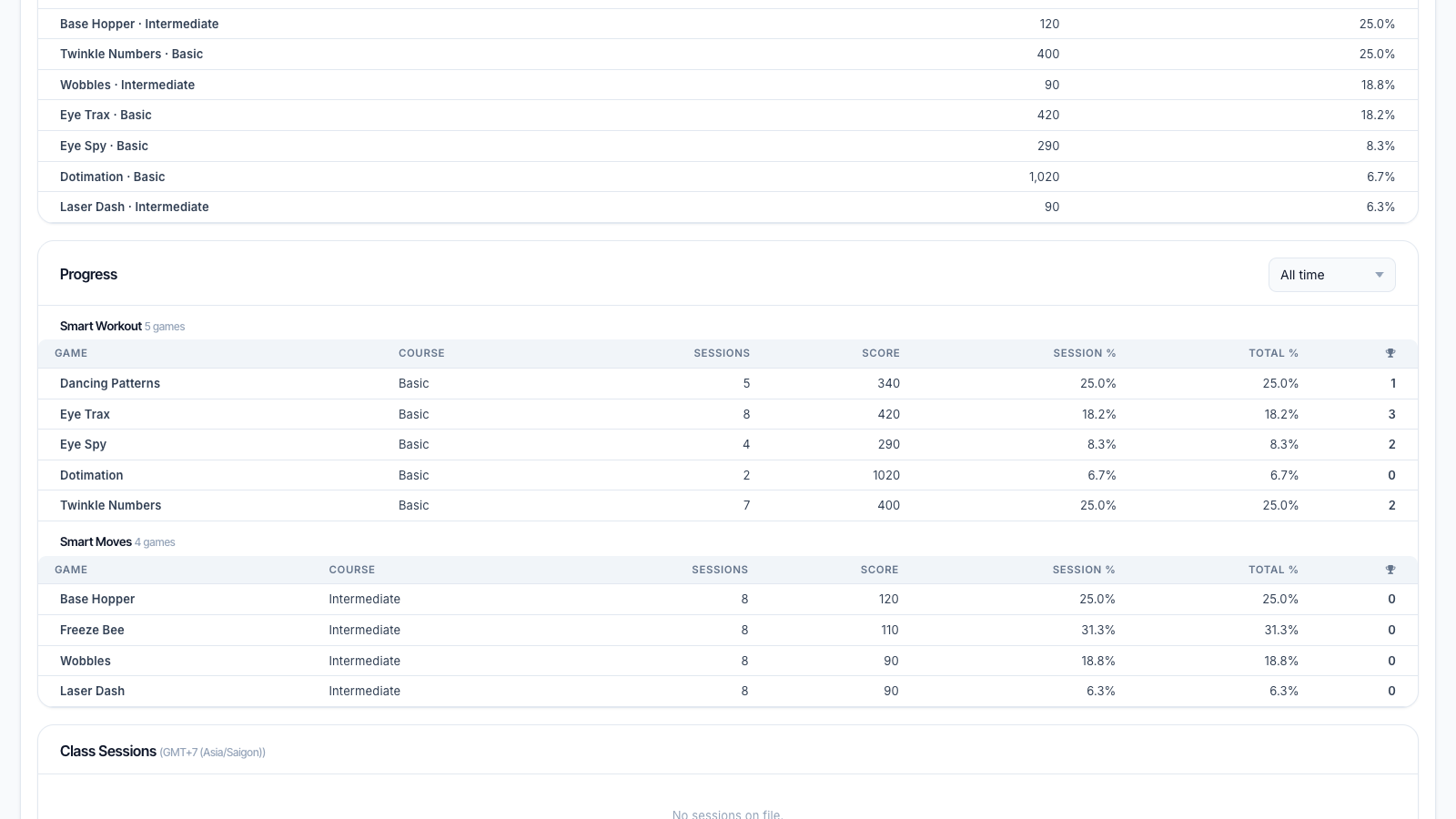
- Game Performance shows the student's best games by completion.
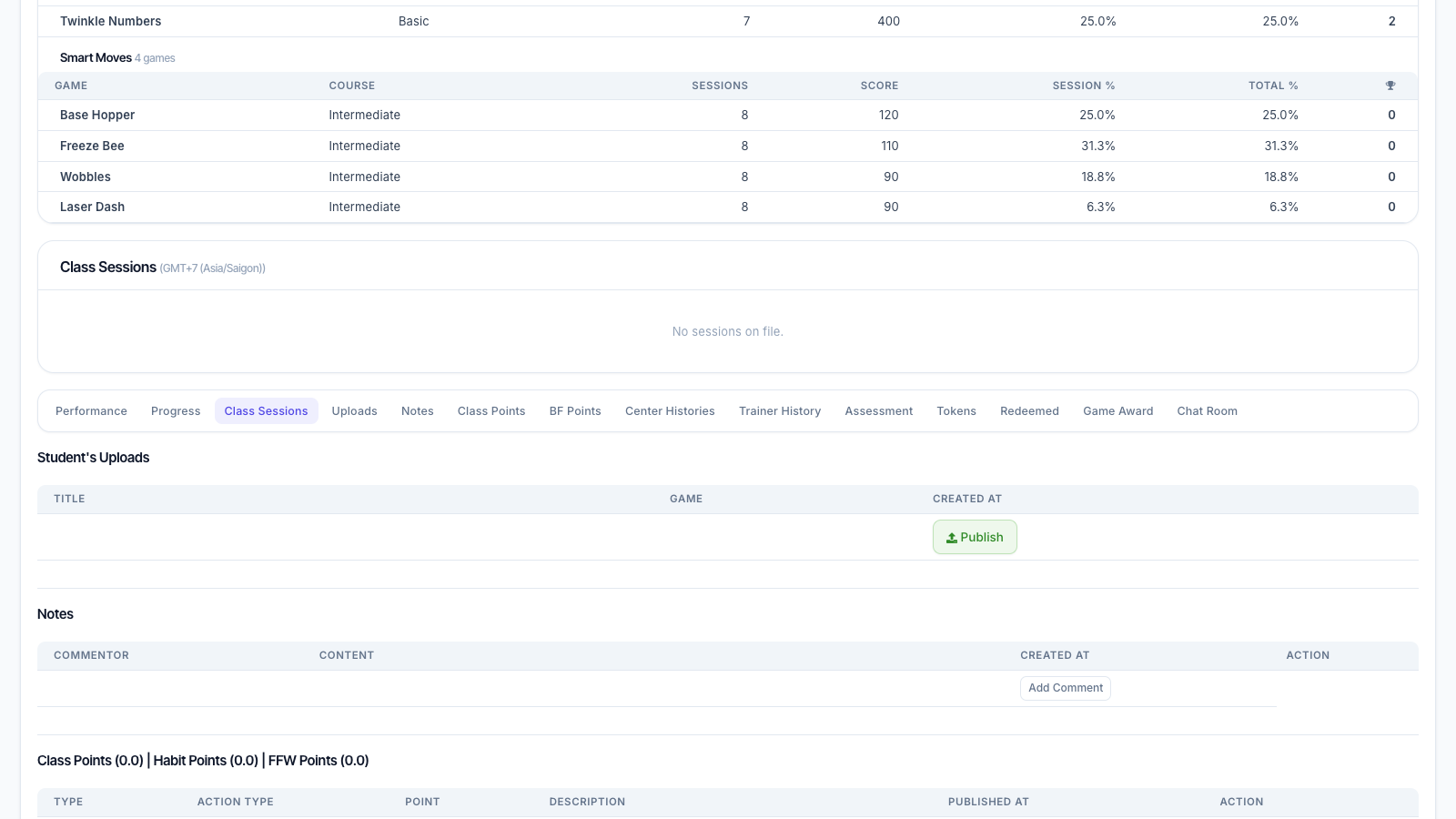
- Progress lists Smart Workout and Smart Moves results; change the period at the top right. The section bar stays at the top while you scroll: click a section to jump to it.
- Class Sessions shows upcoming and past class sessions from the scheduling app, in your own time zone.
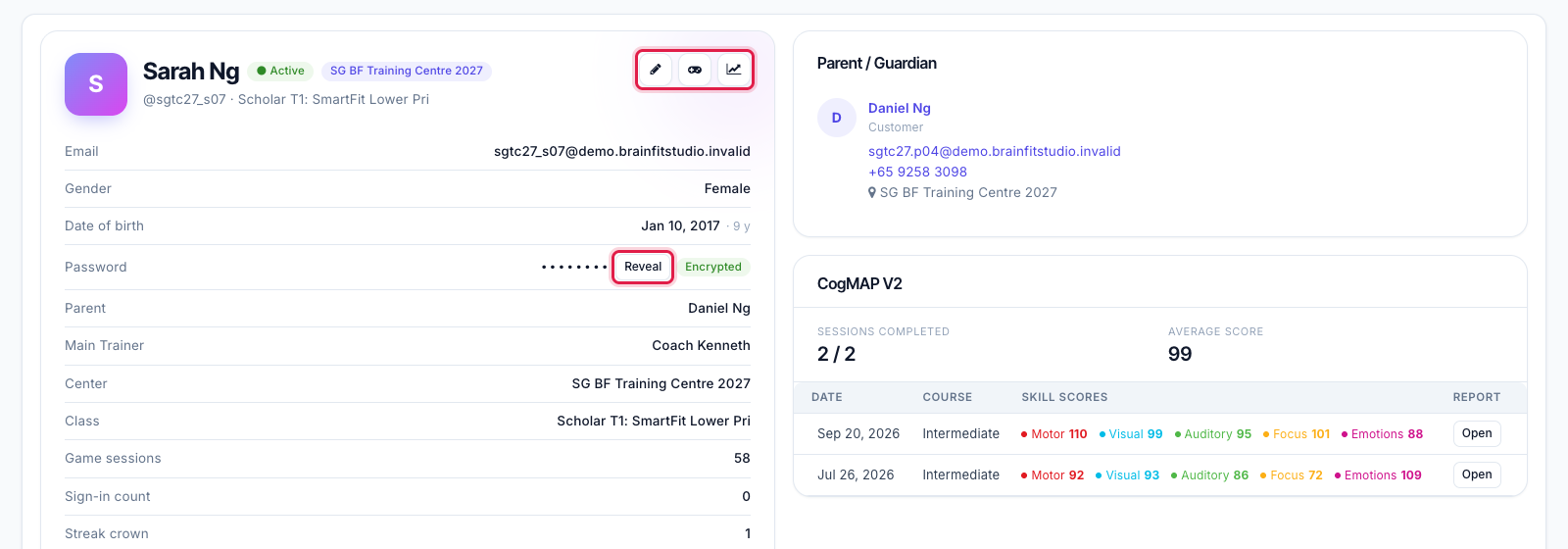
- The buttons at the top right go to Edit, Game config and Progress report. Reveal shows the student's password for 30 seconds (every reveal is logged; not available to Front Desk).